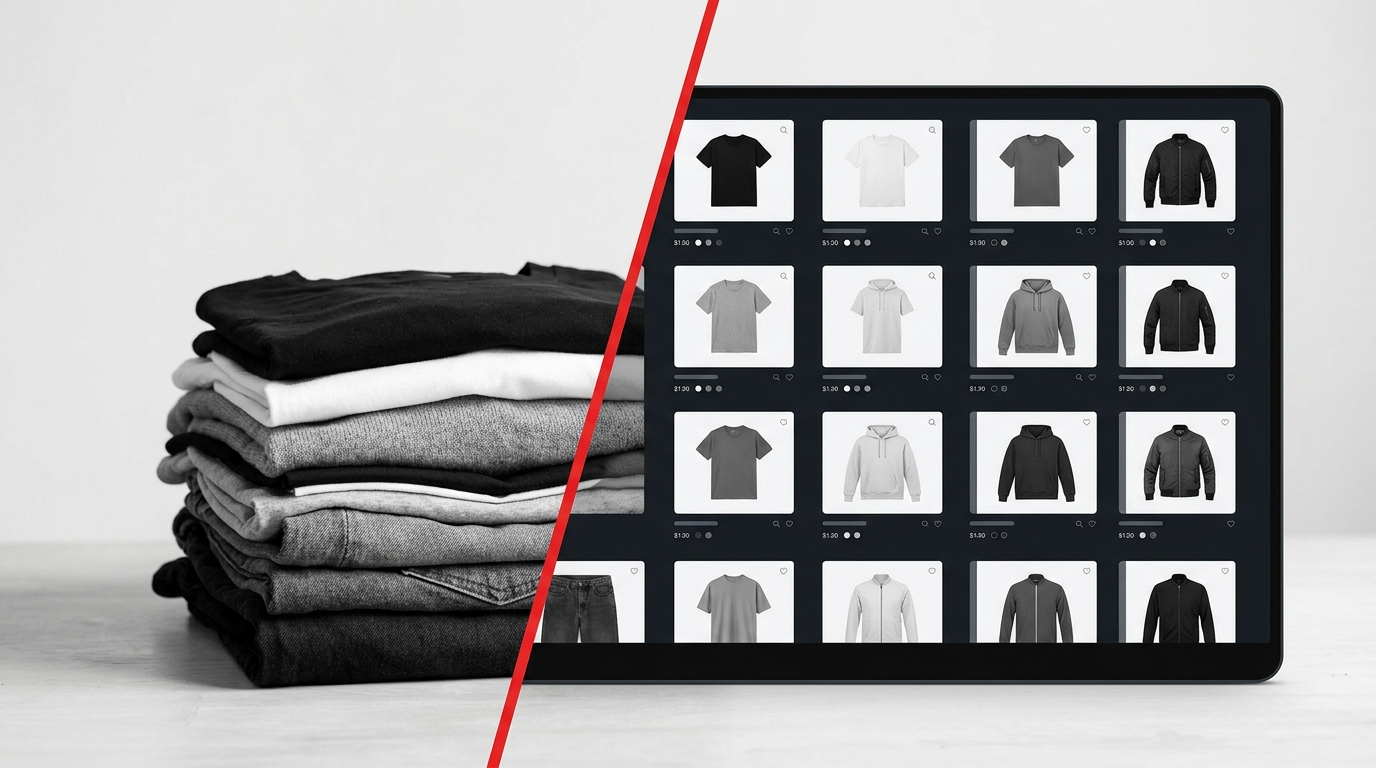
Your catalog looks amateur — and it's costing you sales
You have the products, you have the photos taken on your phone or from supplier mockups, but when it comes to putting together the product grid for your Instagram feed, your collection lookbook, or your store catalog, everything falls apart. Each image has a different background color, the sizes don't match, and the end result looks like a yard sale — not a brand. The problem isn't the lack of a professional photographer. It's the lack of an organized product layout that gives visual cohesion to what you're selling.
The good news: you can build a product grid that communicates professionalism and converts, using the photos you already have — and without opening Photoshop.
Why the grid matters more than the individual photo
A single photo tells very little. The grid tells the story of the entire collection. When a customer lands on your profile or receives your catalog, they don't look at each piece individually — they see the whole picture. If that picture is visually cluttered, the perceived value of your brand drops before they even read the price.
Brands that do well online understand this: the launch carousel, the season's lookbook, and the catalog sent via WhatsApp are all visual compositions that need structure. They don't need a photography studio — they need consistency.
What makes a product grid effective
1. Uniform background
White or neutral backgrounds are the safest choice for fashion e-commerce. If your photos have different backgrounds, clean them up before building the grid: cut out the product and place it on a solid background. Free tools like Remove.bg do this in seconds.
2. Consistent aspect ratio
Mixing 1:1, 4:5, and 9:16 images within the same product layout destroys visual harmony. Pick one ratio for the entire collection and stick to it. For Instagram feed, 1:1 or 4:5. For Stories and Reels, 9:16. For printed lookbooks or PDFs, think A4 or landscape.
3. Clear visual hierarchy
Your customer's eye needs to know where to go. In a well-built grid, there's an anchor product — the main launch, the bestseller — that takes up more space or a prominent position, while the other products complement it without competing.
4. Spacing and breathing room
Products crammed together look like a clearance sale. A well-crafted catalog has space between images — not excessive, but enough for each piece to breathe and have its own identity.
5. Cohesive color palette
Even without a photographer, you can create cohesion by choosing which products appear together. Group by color palette or by theme (casual, workwear, evening) so the grid tells a visual story instead of looking like random stock.
How Grider solves this — step by step
The Grider was built exactly for this moment: you have your product photos, you know what you want to communicate, but you don't have the time or budget to hire a designer or learn Photoshop. Here's how it works in practice:
- Open the editor — no account needed. Access the Grider editor directly in your browser — no sign-up, no installation, no watermark on the final result.
- Choose your grid template. Grider offers ready-made templates for different formats: Instagram feed (1:1), Stories and Reels (9:16), lookbook, carousel, and catalog. Pick the format that makes sense for your launch.
- Upload your images. Upload your PNG or JPG files directly from your computer or phone. Studio-quality resolution isn't required — well-lit photos on a white background work perfectly.
- Drag to arrange. Place each product in the slot that best fits your visual hierarchy. Your hero product in the spotlight, supporting pieces in the smaller spaces. All drag and drop.
- Adjust ratios and spacing. The editor automatically keeps aspect ratios consistent, so you don't have to worry about crooked or misaligned images.
- Export in high resolution. Once your product grid is ready, export it in high quality — ready to post on Instagram, send via WhatsApp, or include in a catalog PDF.
The entire process — from upload to export — takes less time than you'd spend trying to align images manually in Canva or explaining to a designer exactly what you want.
Types of grids your brand should be using right now
- Collection launch grid: presents the pieces of your new collection with visual cohesion, ideal for feed posts and carousels.
- Themed lookbook: groups products by style or occasion (beach, office, evening) to inspire customers to put together complete outfits.
- WhatsApp catalog: a high-resolution exported grid to send directly to customers and resellers — replaces the printed catalog with far greater speed and flexibility.
- Bestsellers carousel: highlights your top-selling products in a swipeable format for Stories or feed.
- Drop grid: organizes a flash launch with visual urgency, showing all available pieces at once.
Mistakes that tank your grid — and how to avoid them
- Mixing different backgrounds: standardize before uploading. A white background fixes almost everything.
- Using too many fonts: if you're adding text to the grid, stick to one font and two sizes. Anything more becomes visual noise.
- Cramming too many products into a single grid: less is more. A grid of 6 to 9 well-placed products converts better than 20 thrown together in a sequence.
- Ignoring mobile: most customers will view your catalog on their phone. Always export at a resolution that looks great on small screens.
Your brand deserves a catalog that converts
You don't need a photographer, a designer, or expensive software to present your products professionally. What you need is a well-structured product grid — and a tool that won't cost you hours to get there. Build your next collection grid, lookbook, or catalog right now in your browser, no account required and completely free: open the Grider editor and get started in seconds.