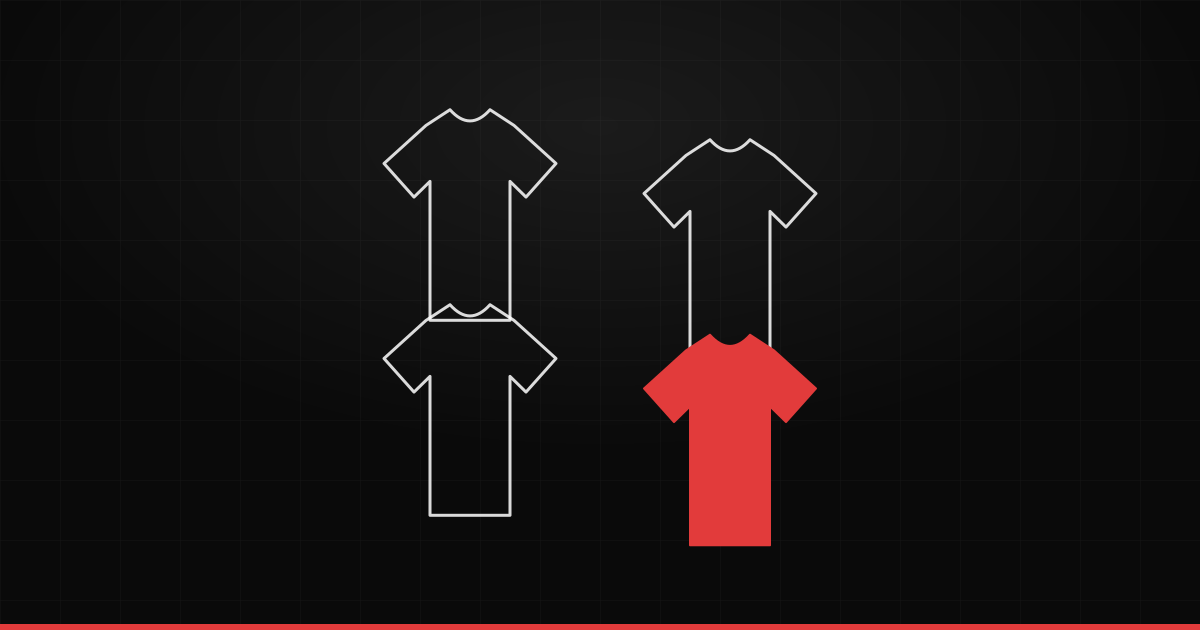
A streetwear drop lives or dies on first impression. The pieces can be incredible, but if the presentation looks amateur, the hype never catches. The difference between "looks like a campaign" and "looks like a photo folder" isn't budget — it's the grid. Let's build yours.
Define the drop's narrative first
Before composing, answer: what's the hero piece? What's the story — a cohesive capsule, a collab, a season? The drop needs a visual through-line. Decide this first; the grid just makes the story visible.
Pick a grid that tells that story
- Uniform grid — every piece carries the same weight. Great for a coherent capsule.
- Hero piece + supporting — one larger image to open, the rest in support. Creates hierarchy.
- Continuous mosaic — when you want the whole feed to read as one campaign.
Keep the visual discipline
- One background across every piece.
- Equal margins — each product breathes the same space.
- Restricted palette — two or three colors, applied without exception.
How Grider solves this
Building this by hand in Photoshop, piece by piece, takes the whole afternoon. Grider does it in minutes: drag in the drop's PNGs, pick a grid model and format, reorder until the hero piece lands where it should, and export in HD with no watermark — ready for the launch ad, the feed and Stories. Because it all runs in the browser, you can iterate several versions before committing.
Test before you launch
Before posting, view the grid the way your audience will: small, on a phone, scrolling fast. If it grabs and the hero pops, you're ready. If not, reorder — in seconds.