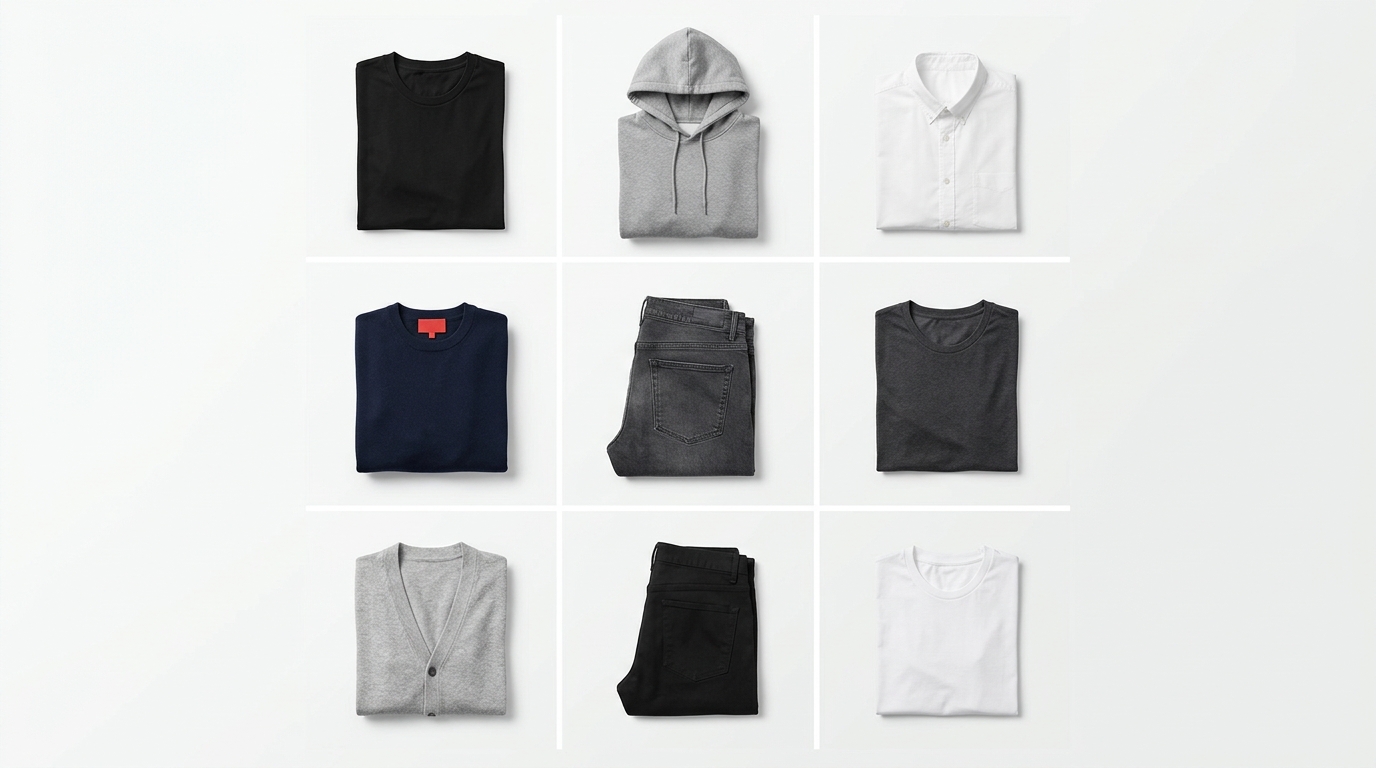
You've already spent hours trying to align product photos in Photoshop, fit mockups into a presentation, or put together a collection lookbook that looked minimally coherent? Yeah. For clothing brands and online fashion stores, presenting your catalog in an organized and visually appealing way shouldn't cost a fortune — or consume your entire day. The good news: creating a free product grid is completely possible, and this guide shows you exactly how.
Why your catalog layout matters as much as the product itself
Before talking about tools, it's worth understanding the real pain point. When a buyer accesses your Instagram feed, opens your lookbook, or browses your e-commerce store, they form an impression of your brand in seconds. A disorganized product grid — photos in different sizes, inconsistent backgrounds, illogical sequence — communicates amateurism, even if the piece itself is amazing.
The problem is that traditional alternatives come with high costs: hiring a designer for each drop, paying for design software subscriptions, or spending hours in generic tools that weren't built for fashion catalogs. That's where most small and medium brands get stuck.
What a good product grid needs to have
Before opening any editor, define what your product layout needs to deliver. Think about the questions below:
- Destination: is it for Instagram feed (1:1 or 4:5), Stories (9:16), a PDF lookbook, or a sales rep catalog?
- Number of products: how many pieces go in this grid? A launch drop, the full collection, just the best-sellers?
- Visual hierarchy: is there a hero — main product that deserves more emphasis — or do all items have equal weight?
- Background consistency: white background, lifestyle, or mix? The grid only works well if images have some coherence between them.
With those answers in hand, assembling the grid becomes much faster — whatever tool you use.
How Grider solves this (in less than 5 minutes)
Grider was created exactly for this workflow: clothing brands and fashion e-commerce stores that need to build grids, catalogs, and lookbooks without relying on a designer and without paying anything. It's free, works directly in your browser, requires no sign-up, and doesn't watermark your exports. See the step-by-step:
- Open the editor: go to griderapp.com/editor.html — no downloads, no login.
- Choose your grid template: select the format you need — square grid for feed, 9:16 for Stories, multi-product layout for lookbook or catalog. Templates are already calibrated for the most common fashion formats.
- Upload your PNGs or JPGs: drag product photos directly into the editor. Works with white background, cutouts, or lifestyle images — whatever you already have.
- Drag to reorder: reposition pieces until the sequence makes visual sense. Want the dress featured in the center? Drag it. Want to alternate between full look and detail? Reorganize in seconds.
- Export in high resolution: when your product grid looks the way you want it, export. No watermark, ready to post, send to your rep, or upload to your e-commerce.
The entire process — from upload to export — takes less time than opening Photoshop and creating a new document.
Tips to make your product grid even more professional
1. Standardize backgrounds before uploading
The background is what breaks the cohesion of a carousel or lookbook the most. If you have photos with pure white background and others with off-white or gray, the grid will look inconsistent. Take a few minutes to get everything to the same standard before importing.
2. Use ordering to tell a story
A catalog isn't a random list — it's a narrative. Start with the most impactful look to grab attention, alternate between items of different value, and end with something that invites the next step (new drop, purchase link, rep contact).
3. Test different formats for different channels
The same set of products can become a feed grid, a Stories carousel, and a seasonal catalog PDF. With Grider, you create all three without starting over — switch the template and reorganize the images you've already uploaded.
4. Less is more in your product grid
Resist the temptation to fit 30 products in a single grid. Overcrowded layouts confuse the eye and reduce the impact of each piece. Prefer smaller, more focused grids, especially for Instagram.
Common mistakes when building a product layout
- Mixing image proportions: vertical and horizontal photos in the same grid create visual tension and look careless.
- Ignoring spacing: white space isn't waste — it's breathing room. A grid that's too tight tires the eyes.
- Saving in low resolution: beautiful grid that pixelates when enlarged gives your brand a bad impression. Always export at the highest resolution available.
- Building from scratch every time: standardize your process. With a fixed template and the same settings, each new drop takes minutes, not hours.
Start now: your product grid in minutes
You don't need an agency budget or a full-time designer to present your collection professionally. With Grider, any clothing brand or fashion e-commerce store can build an organized, cohesive product grid ready to export — for free, no sign-up, and no watermark.
Open the editor now at griderapp.com/editor.html, upload photos from your next drop, and watch your catalog come together in less than five minutes. Your collection deserves to be seen the right way.