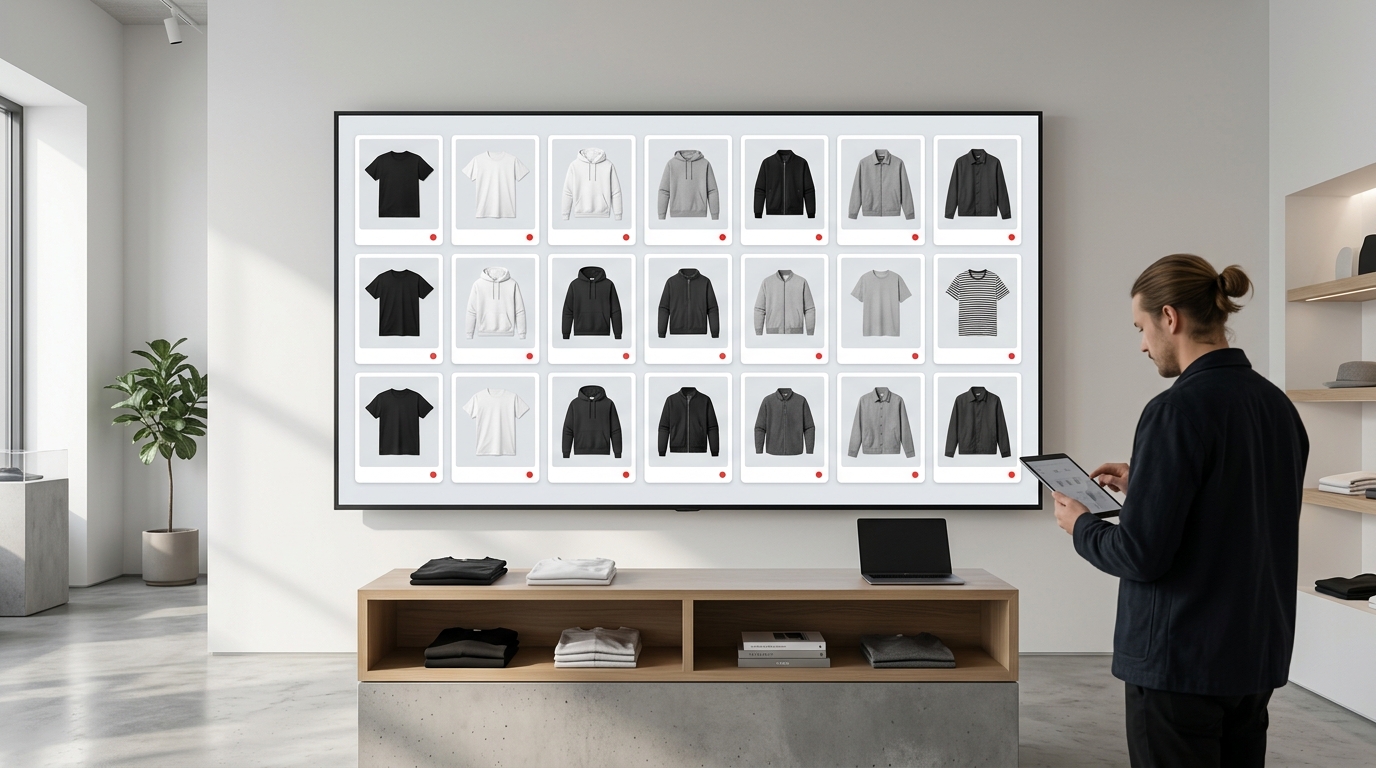
The chaos of building a product catalog by hand
You just finished photographing your new collection. That's 30 pieces, each with three different angles. Now you need to build a product grid for Instagram, a carousel for Stories, and a lookbook to send to resellers — and the deadline is tomorrow. If you've ever tried to do this in Photoshop, Canva, or by dragging files around your computer, you know exactly the pain: hours aligning images by hand, sizes that don't match, layouts that end up crooked, and in the end, the result still doesn't look professional. There's a much faster way to combine multiple photos into a grid without losing your day. That's what you'll learn here.
Why product grid matters so much for fashion brands
Before jumping into the step-by-step, it's worth understanding why product layout is a strategic decision, not just an aesthetic one.
- First impression of your catalog: when a buyer or reseller opens your catalog, the grid is what they see first. A disorganized layout sends the wrong message about your brand.
- Visual consistency in your feed: brands that sell well on Instagram maintain a consistent visual standard. Your feed grid is your store's showcase.
- Speed in drop launches: in fashion, timing is everything. Building a product grid quickly means you can post at the right moment, not two days later.
- Lookbook for B2B: distributors and multi-brand retailers request organized visual presentations. A well-built lookbook sells before the conversation even starts.
The most common ways to combine photos — and where each one fails
Photoshop or Illustrator
Powerful tool, but requires technical knowledge, setup time, and an expensive license. For anyone who needs to build a carousel of 9 photos every week, it's not sustainable.
Mobile collage apps
Fast, but with serious limitations: low resolution, watermarks, generic templates that don't match the positioning of a serious fashion brand, and exports that don't work for printing or professional use.
Canva
Great for individual posts, but building a complete catalog with many references becomes a slow, manual process — and the free plan has restrictions that pop up at the worst time.
The problem with all these options is the same: they were built for general use, not for the specific workflow of someone who builds fashion product grids frequently.
How Grider solves this — step by step
The Grider was created exactly for this scenario: clothing brands and fashion e-commerces that need to build grids, catalogs, and lookbooks quickly, with professional results, without installing anything, creating an account, or paying.
See how it works in practice:
- Open the editor directly in your browser. Nothing to download, no registration needed. Visit griderapp.com/editor.html and the editor is ready to use.
- Upload your product photos. Drag JPG or PNG files directly into the editor — product photos with white backgrounds, flats, complete looks, or even mockups. Grider accepts high-resolution images.
- Choose your grid layout. Select the layout that makes sense for your goal: square grid for Instagram feed, 9:16 format for Stories and Reels, horizontal layout for lookbook, or multi-product grid for catalog. Templates already have the right proportions for each channel.
- Drag to organize. Reposition your photos in any order you want — by color, category, complete look. You don't need to know anything about design; just drag and drop.
- Export in high resolution, no watermark. Download the file ready to post on Instagram, email to resellers, or send to print. Free, with no tool logo overlaid on the image.
In less than five minutes you have a product grid that looks like a professional catalog — something that would take hours in Photoshop.
Practical tips for a product grid that converts
Building the grid is the technical part. But some visual choices make a difference in the final result:
- Keep background consistent: photos with white or neutral backgrounds create cleaner, more elegant grids. If you mix styles, the layout looks cluttered.
- Group by product family: in your catalog, put shirts together, pants together, accessories together. This makes it easier for the buyer to read and make decisions.
- Use the grid to tell a story: in your lookbook, alternate between isolated product photos and full outfit photos. This gives rhythm and keeps attention.
- Pay attention to negative space: you don't need to fill every inch of the grid. Breathing room between images conveys sophistication.
- Think about the channel before building: a carousel for Instagram has different logic than a PDF for a reseller. Define the destination before choosing your template.
When to use each grid format
1x1 or 3x3 grid for Instagram feed
Ideal for collection drops, product highlights, or themed campaigns. Grider exports in the perfect square format for your feed.
9:16 for Stories and Reels
When you want to show multiple products in a single swipeable Story or vertical composition. Widely used for promotions and quick launches.
Horizontal layout for lookbook and catalog
Perfect for emailing, sending via WhatsApp to resellers, or printing. The product layout in A4 or horizontal format makes reading easier and gives more room for reference information and pricing.
Build your grid now — stop wasting time
If you've made it this far, you've probably spent too many hours trying to align photos by hand or waiting for a designer to have time. The pain is real, and the solution is simpler than it seems. Open Grider's editor now, upload photos from your collection, and see in minutes how a well-built grid transforms the presentation of your products. No registration, no watermark, no cost. Access Grider's editor and build your product grid now.