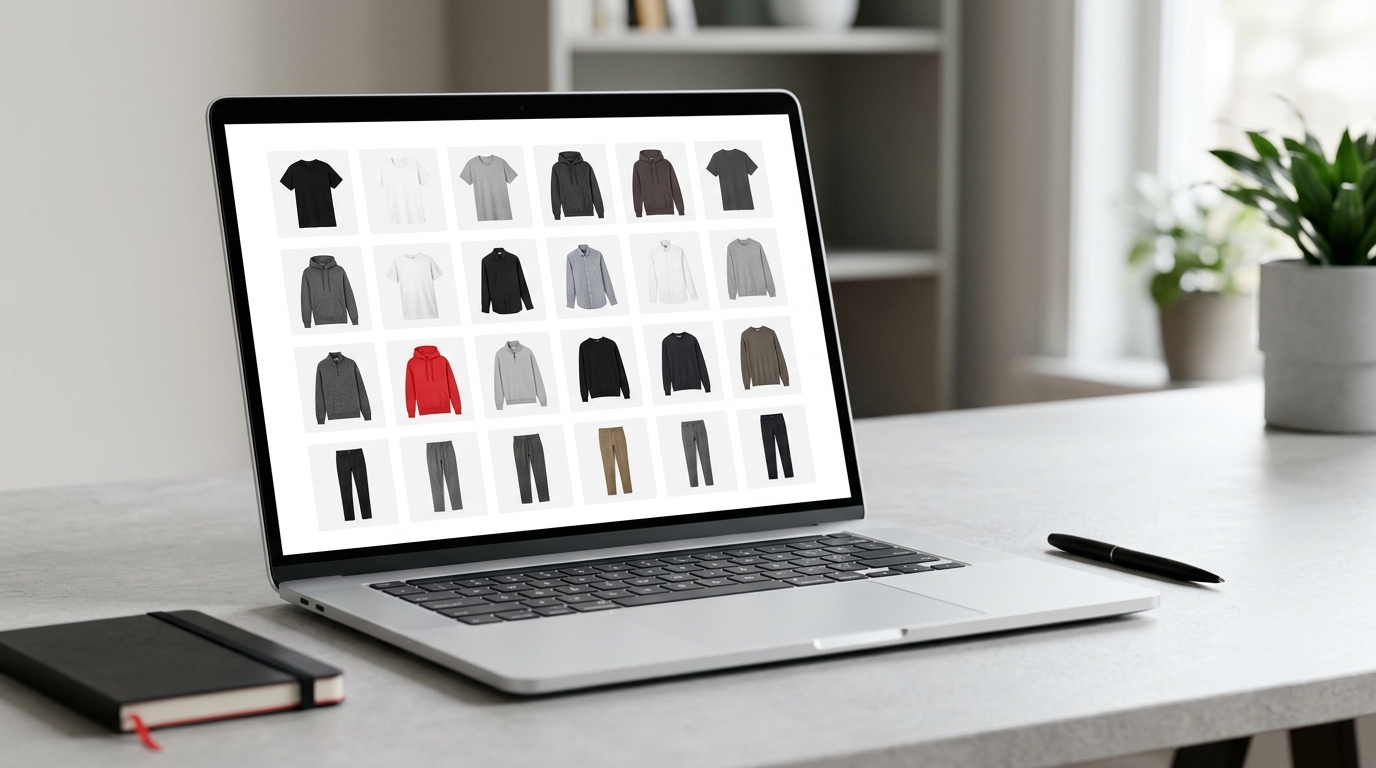
Your collection looks great. Your photos, not so much — and they're everywhere
You just launched a new drop. You have the product shot on white background, model photo, close-up of the fabric detail, version with colored background for Stories... and it's all scattered between WhatsApp, Google Drive, phone folder and that subfolder someone created last month that nobody can find anymore. When it's time to put together the launch carousel or prepare the lookbook to send to the buyer, the hunt begins: scroll up in the chat, open seven tabs, download the wrong photo, scroll up again. Half an hour gone and the product layout still hasn't moved.
This problem isn't a lack of organization — it's a lack of a tool made for it. Organizing fashion product photos requires a visual environment where you see everything together, compare, order and export without friction. That's exactly what Grider solves.
Why the current way of organizing product photos doesn't work
Most clothing brands and fashion e-commerces still organize their catalog the same way: folders on the computer, albums on the phone or a spreadsheet with links. It works at first. When the collection grows, it becomes chaos.
- Folders without visual context: a file called photo_03_final_v2.jpg tells you nothing. You only find out what it is when you open it.
- Duplicate versions: the edited photo, the raw photo, the photo the photographer sent and the one social media cropped — all with similar names, all in the same folder.
- No sense of the whole: even if each photo is good, you can't see how the entire catalog looks together before posting or printing.
- Rework when exporting: Photoshop to assemble the grid, Canva to adjust the size, WhatsApp to send for approval — that's three tools to do one thing.
The result? Wasted time, delayed launches and a feed that never looks exactly like you imagined.
What a good product grid needs to have
Before talking about tools, it's worth understanding what makes a product grid really work for a fashion brand:
Visual consistency
All photos need to follow the same proportion and spacing standard. A messy product layout — with images of different sizes, irregular margins — looks amateur, even if the product is amazing.
Order that makes sense
In the lookbook or catalog, the sequence matters. You want the customer to browse the pieces in a logical way: by color, by category, by complete look. Drag and drop to test different orders is essential.
Right format for each channel
The Instagram feed grid is square or 4:5. Stories and Reels call for 9:16. The printed catalog has a different proportion. Preparing all this manually triples the work.
How Grider solves this — in less than five minutes
The Grider is a browser-based editor made exactly for clothing brands and fashion e-commerces that need to assemble, organize and export product grids without hassle. No installation needed, no account creation and no watermark on the export. Here's how it works in practice:
- Upload your product photos: Drag PNG or JPG files directly into the editor — white background, model photo, detail close-up, it doesn't matter. All visible at once, without opening file by file.
- Choose the grid model: Select the product layout that makes sense for your goal — square grid for the feed, 9:16 for Stories, landscape format for lookbook or catalog. Models come with correct proportions already set.
- Drag to reorder: Reorganize photos by dragging. Want to test the black piece in the first position? Drag it. Want to separate by category? Drag. You see the result in real time, without exporting anything yet.
- Export in high resolution: When the layout is the way you want it, export. The file comes out in high quality, ready to post, send to the buyer or send to print.
The entire process — from upload to export — happens on a single screen, without opening Photoshop, without importing to Canva, without rework.
Real use cases for fashion brands
Grider solves concrete situations in the daily work of fashion professionals:
- Collection launch: Assemble the drop product grid, organize by look and export to post on feed and Stories the same day — without waiting for the designer.
- Instagram carousel: Set the order of pieces, adjust the layout and export each slide already in the right size for the carousel.
- Lookbook for buyers: Organize model photos in logical sequence, export in high quality and send by email or WhatsApp — without wasting time on PowerPoint.
- Wholesale catalog: Group products by category or color, assemble the page layout and export in print resolution.
Organization starts with having everything visible at once
The biggest mistake people make when trying to organize product photos is continuing to work blindly — opening file by file, without seeing the whole. Catalog, lookbook, feed grid: it's all about how the pieces talk to each other. You can only make this decision when you see everything together, on one screen, able to move and compare in seconds.
Grider puts you in that place. No installation, no subscription, no watermark. Just you, your photos and the grid your brand deserves.
Open the editor now, load your next collection's photos and watch the catalog take shape in minutes: griderapp.com/editor.html — it's free and starts working on your first click.