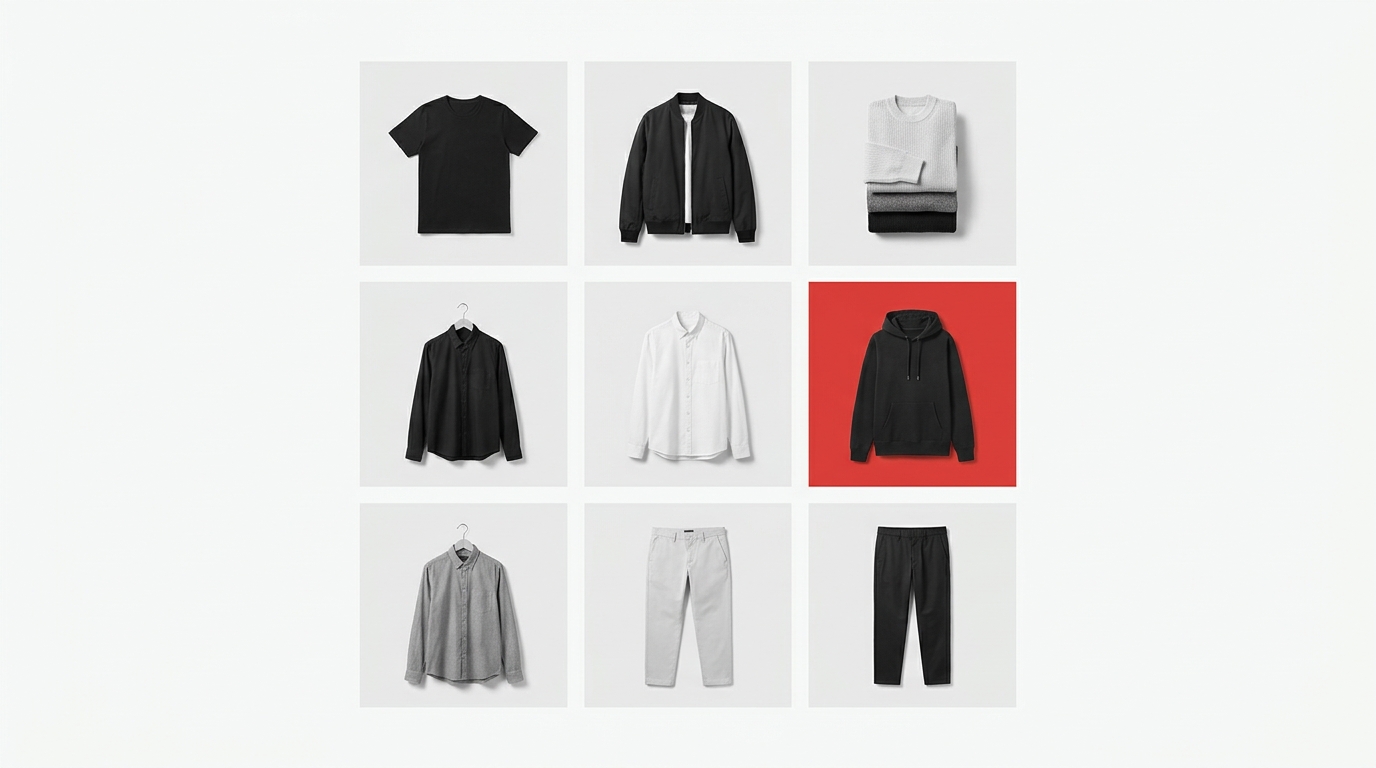
Your collection is ready — but no one will buy it if the photos look amateurish
You spent weeks developing the collection, chose the fabrics, approved the pieces, photographed each look. But when it's time to put together the collection banner for your store, things fall apart: Photoshop crashes, the freelance designer takes three days to deliver, and when the file arrives it's the wrong size. Meanwhile, the launch is delayed and the hype fades.
This is the reality for many clothing brands and online fashion stores: the difficulty isn't in the collection — it's in presenting it in a way that's visually coherent, fast, and professional. A well-built product grid, an organized lookbook, or a carousel with logical sequence make all the difference in how customers perceive your brand's value. But creating all this without a design team seemed impossible — until now.
Why poorly assembled collection banners cost you sales
The fashion consumer is visual and decides in seconds. A confusing product layout with images in different sizes, inconsistent backgrounds, or illogical sequence communicates carelessness — and carelessness drives customers away.
The most common problems brands report when assembling banners and catalogs:
- Images with different proportions breaking the visual grid
- No background standardization between products in the same collection
- Difficulty creating a carousel that tells a visual story
- Lookbook that looks like a random photo album, with no flow
- Export in low quality or the wrong format for each channel
These problems make incredible products look generic — and then price becomes the only sales argument.
What a professional collection banner really needs to have
Before talking about tools, it's worth understanding what differentiates an amateur banner from one that converts:
Visual consistency
All images in the grid need to have the same framing, background, and proportion. When a store mixes white background photos, gray background photos, and lifestyle photos, the result looks like a bazaar — not a brand.
Hierarchy and sequence
A good collection carousel has a beginning, middle, and end. It presents the concept, shows key products, and ends with a call to action. It's not just stacking photos — it's telling a story in images.
Right format for each channel
Website banner, Instagram post, 9:16 Stories, PDF lookbook: each has different proportions and resolutions. Exporting the wrong file means losing quality and professionalism.
Agility
Collection launches have timing. A process that takes three days to produce a banner makes your brand miss the right moment to communicate.
How Grider solves this — step by step
Grider (griderapp.com) is a browser-based editor created specifically for clothing brands and fashion e-commerce stores to assemble, organize, and export product grids and catalogs with a professional look — without Photoshop, without hiring a designer, and without paying anything to get started.
See how it works in practice:
- Upload your photos. Drag PNG or JPG files directly into the editor. Grider accepts images as they are — no need to resize beforehand.
- Choose your grid model. Select the layout that makes sense for your goal: square grid for Instagram feed, 9:16 format for Stories, multi-product layout for lookbook or catalog. The models already have the correct proportions for each channel.
- Drag to organize. Reorder products with drag and drop until the visual sequence makes sense. See in real time how your collection banner will look before exporting.
- Adjust and customize. Align images, adjust spacing, and maintain visual consistency across all products in your collection.
- Export in high resolution. Download the file in the correct format and size for your desired channel — no watermark, no cost, no required registration.
The entire process — from upload to download — takes minutes, not days. And the result looks like agency-quality work.
When to use Grider in your brand's daily work
The tool isn't just for big launches. See practical situations where the editor makes a difference:
- New product drop: build the launch grid in minutes and publish at the right time, without depending on others.
- Seasonal lookbook: organize your entire collection in a coherent visual catalog to send to resellers or publish on your website.
- Instagram carousel: create an image sequence with correct proportions and an order that engages — no improvisation.
- Catalog update: when new products arrive, reorder and export a new layout version in seconds.
- Sales proposal: present your collection to multi-brand retailers or buyers with visuals that communicate professionalism.
You don't need a designer to have strong brand visuals
Hiring a designer for every collection banner is too expensive and slow for the pace of fashion e-commerce. Generic tools like Canva were made for everything — and that's why they don't understand the specific needs of those working with product catalogs, fashion grids, and lookbooks.
Grider was built for this specific problem: giving clothing brands the ability to assemble a professional product grid, a collection banner for your store with consistent visuals, and a carousel with the right sequence — without leaving your browser, without a learning curve, and without spending anything to get started.
Your collection deserves a presentation worthy of it. Open Grider's editor now, upload your photos, and see your next collection banner ready before you finish your coffee.