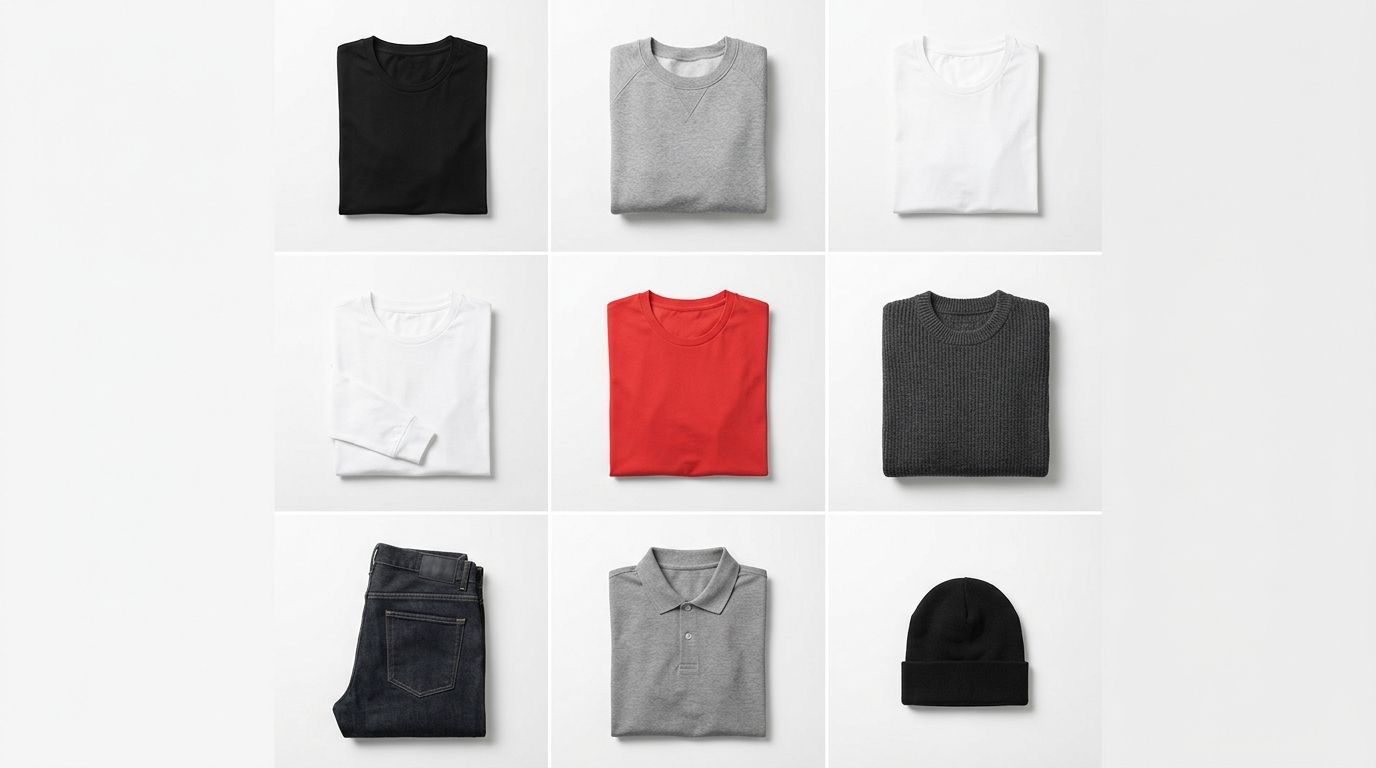
You just received the new collection, need to update the catalog, post on Instagram and send the lookbook to wholesale — all yesterday. Then comes the problem: the photos have different backgrounds, inconsistent lighting and when it's time to build the product grid, it seems impossible to create visual cohesion without spending hours in Photoshop. The good news is you can solve this with the phone in your pocket and a free online tool.
Why visual consistency in product photos matters so much
Before diving into technique, it's worth understanding the real pain: when your feed or catalog product layout looks messy, the customer hesitates. Visual inconsistency sends a message of improvisation, and improvisation drives sales away. Small brands lose sales every day not because their products aren't good, but because of irregular presentation — beige background here, white background there, harsh shadow on half the pieces.
The goal isn't studio perfection. It's repeatability: every photo in your catalog needs to look like it was taken in the same visual universe.
The minimal setup to photograph products with your phone
You don't need a professional camera. You need control. Here's what really makes a difference:
1. Diffuse natural light, always from the same side
Position the product near a large window, but without direct sunlight — a thin curtain or a cloudy day works perfectly. Always choose the same side (left or right) and maintain that pattern in all photos from the session. This creates the first layer of consistency.
2. Clean and repeatable background
White or light gray cardboard from a stationery store already solves it. Avoid textured fabrics or reflective surfaces — they're a pain to edit and disappear on half the screens. If you want texture, choose just one and use it for all pieces in the collection.
3. Lock focus and exposure on your phone
On iPhone or Android, press and hold on the product on screen until the lock icon appears (AE/AF Lock). This prevents your phone from automatically readjusting between one photo and another — the biggest cause of inconsistency in home sessions.
4. Fixed distance and framing
Mark on the floor with tape where your tripod goes (or the stack of books holding your phone). Decide if you'll shoot horizontally or vertically — for Instagram catalog and Stories, vertical 4:5 or 9:16 is already standard — and don't change it during the session.
5. Minimal and batch editing
Apps like Lightroom Mobile let you edit one photo and apply the same adjustments (brightness, contrast, color temperature) to all others at once. Spend 10 minutes on this step and the photos are ready for the catalog.
From file to screen: the mistake that happens after the photo
Many brands do a decent session and then ruin everything when building the catalog or carousel. Each product ends up in a different folder, Instagram is fed without order, the lookbook is built by dragging images in PowerPoint at 11pm before launch. The result is a product grid without cohesion, which contradicts all the photographic work done before.
This is where the second part of the solution comes in.
How Grider solves this in minutes
After photographing with consistency, you need a tool that lets you build, order and export the product grid without friction. Grider's editor was created exactly for clothing brands and fashion e-commerce that need to present catalogs fast — no installation, no account creation and no watermark on the final result.
See how it works in practice:
- Open the editor in your browser. Nothing to install. Works on computer or your phone.
- Choose your grid model. There are ready-made layouts for Instagram feed (square and 4:5), Stories and Reels (9:16), lookbooks and catalogs in PDF format. Select what matches your destination.
- Upload the PNGs or JPEGs from your session. Drag directly to the editor or use the upload button. Photos appear in grid cells instantly.
- Drag to order. Want to put the collection's anchor piece first? Just drag. Want to group by color or category? Reorganize in seconds, no layers, no keyboard shortcuts to memorize.
- Export in high resolution. One click generates the ready file — no watermark, ready to post, print or send to your wholesaler.
The result is a product layout with the same consistency you created in the photo session: each piece in the right place, the grid with cohesive visual identity, the catalog ready to circulate.
Quick checklist before publishing your catalog
- Do all photos have the same background and light direction?
- Was color editing applied uniformly?
- Does the product grid follow a visual logic (color, category, highlight)?
- Does the exported format match your destination channel (feed, Stories, PDF for wholesale)?
- Is the resolution suitable for print or digital publishing?
Consistency is what separates a brand from a street stall
Photographing products for catalog with your phone isn't a workaround — it's method. With controlled light, repeatable background and locked focus, anyone on your team can maintain the standard. And with Grider, the step of building the grid, carousel or lookbook stops being the bottleneck that delays every launch.
Open Grider's editor now, upload photos from your next collection and see your catalog ready in minutes — free, no signup, no watermark.