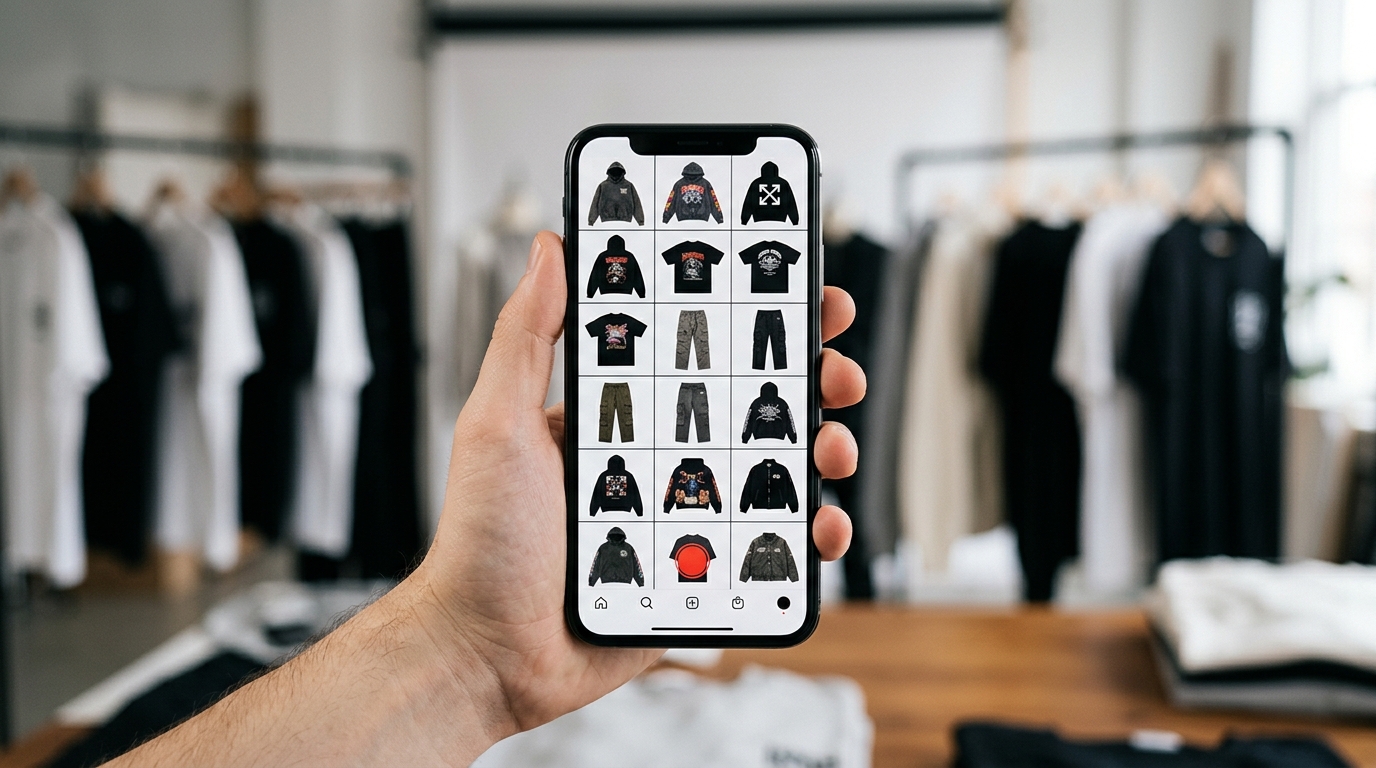
The pain nobody talks about before the drop
You've spent weeks developing the new collection. The pieces arrived, the photo shoot was beautiful and the hype on social is building. Then you put the photos side by side — and something doesn't add up. The colors match, but the tone of the images feels off. One photo is cooler, another warmer. One piece looks like fall in a summer catalog. The product grid becomes a visual mess that weakens everything the collection has going for it.
This is one of the most costly mistakes of a drop: discovering that the product layout doesn't work after publishing. Fixing it live costs engagement, credibility and often sales. The good news is you can avoid it — and the solution is simpler than it seems.
Why validate if your collection matches before launch?
When brands think about validating a collection, most focus on price, inventory size or public reaction. But validating whether the pieces match visually — whether the grid makes sense as a whole — is equally essential for drop success.
Think about buyer behavior: they don't see product by product. They see the feed, the carousel, the lookbook. First impression is always of the whole. If the whole lacks cohesion, the click won't come.
Signs your collection might not be matching
- Photos have different color treatments (some cooler, others warmer).
- Photo style changes between pieces — some are lifestyle, others are cutout on white background.
- The order of products in the carousel or lookbook seems random.
- When you put everything in the grid, the "weaker" pieces draw attention for the wrong reasons.
- The brand's visual identity gets lost in the catalog.
None of these problems appear while you analyze photo by photo. They only become visible when you build the product grid and see everything together — preferably before publishing.
The classic mistake: building the catalog only at publish time
For years, the standard workflow for brands was: photograph → edit → upload to store or Instagram → hope it looks good. Building the grid was left for the end, sometimes done on mobile, sometimes in a feed preview screen or even Photoshop, dragging image by image.
The problem is when you realize the product layout doesn't work, it's already published. Or worse: you're mid-drop with scheduled posts, and redoing the visual plan means delaying launch.
Validating the grid before the drop isn't perfectionism — it's strategy.
How Grider solves this: build, validate and export before publishing
Grider was built exactly for this moment: when you need to see the whole before committing to launch. No account creation, no payment, no watermark on the final result.
Here's how to use it in practice:
- Open the editor: Visit griderapp.com/editor.html directly in your browser. No download, no signup.
- Upload your collection photos: Upload your PNGs or JPGs — product photos, lookbooks, cutouts. You can upload multiple at once.
- Choose your grid model: Select the format that makes sense for where you'll publish — Instagram square feed, Stories 9:16, horizontal lookbook or multi-piece catalog.
- Drag to order and validate: This is the key point. You move images, try different orders and see live if the collection matches. You can spot right there if a photo is breaking the visual cohesion of the set.
- Export in high resolution: When the grid is approved — by your team, partner, client — export without watermark, ready to publish or send for approval.
The whole process takes minutes. And the result is arriving at drop day confident that your catalog is cohesive, the carousel makes sense and the lookbook represents the collection the way it deserves.
Who Grider is especially useful for
- Small and medium brands without dedicated designers who need agility to build the grid before each drop.
- Fashion e-commerces that launch collections frequently and want to standardize product layout without heavy software.
- Marketing teams that need to visually approve carousel or lookbook sequence before it goes live.
Tips to ensure your collection matches in the grid
Beyond using Grider to visualize, some practices help build a more cohesive catalog from production onward:
- Standardize color treatment before building the grid — a consistent LUT or preset makes huge difference in visual cohesion.
- Define your collection's photo style before the shoot: all lifestyle, all flat lay or all cutout. Mixing without intention breaks identity.
- Think of the grid as a narrative: starts with the anchor piece, develops with complementary items, closes with the complete look or hero detail.
- Test at least two different orders in the editor before deciding — what seems obvious solo isn't always what works best together.
Validate now, launch with confidence
Each drop is a unique chance to impress customers, reinforce brand identity and convert. Wasting it due to lack of visual cohesion — when you could have avoided it — is too high a cost.
Build your collection grid now, see if everything truly matches and arrive at launch day with the confidence of someone who validated every detail. Open Grider's editor free and discover before the drop if your collection is ready to shine.