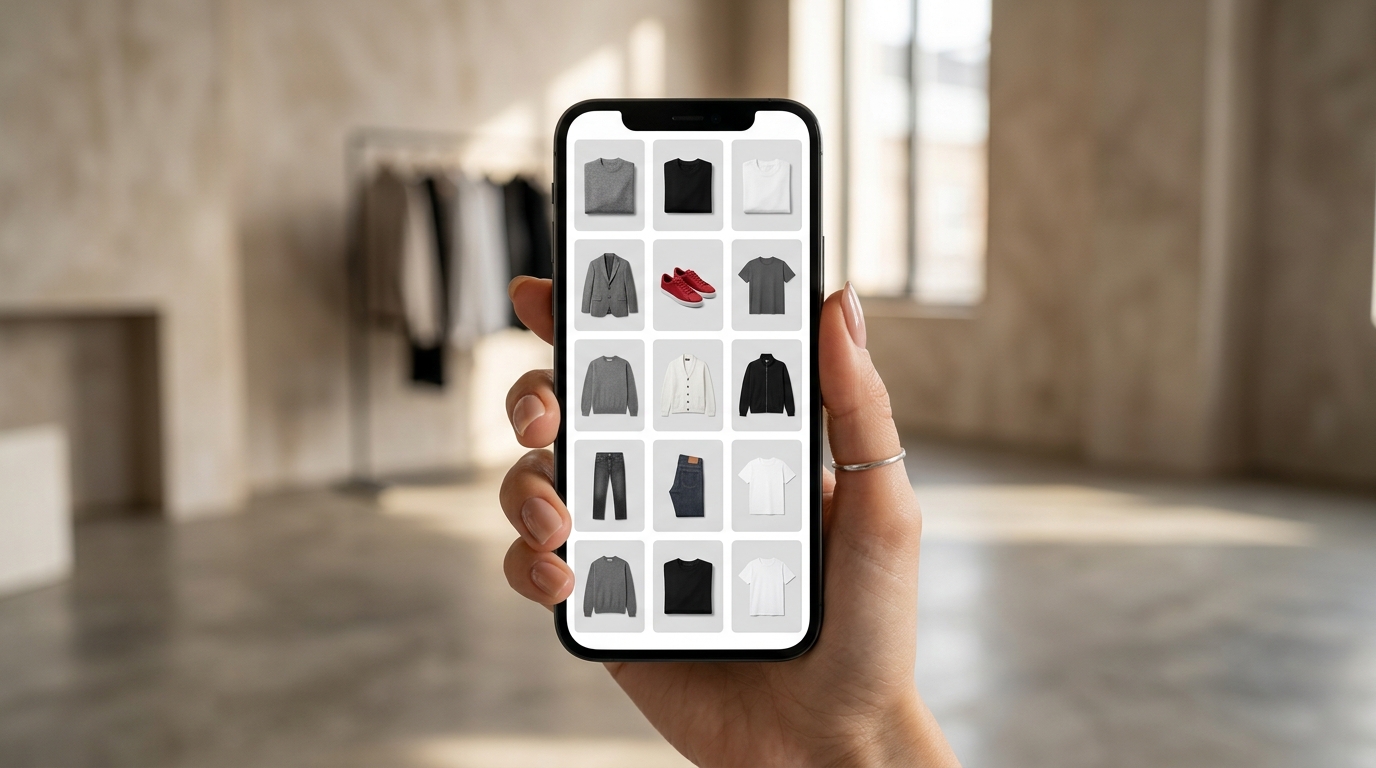
Have you ever looked at your brand's Instagram feed and felt something was off? Good photos, amazing products — but the whole thing looks like a mess. Colors clashing with each other, products without context, a product layout that doesn't convey professionalism. The result: the customer lands on your profile, doesn't feel confident, and leaves without buying. This is one of the biggest silent saboteurs of fashion e-commerce, and the solution starts before any paid campaign or influencer strategy.
Why Feed Appearance Directly Impacts Sales
In the fashion market, first impressions aren't just aesthetic — they're a credibility signal. When a customer arrives at your profile, they make a decision in seconds: is this brand for me? Does it deserve my attention?
A well-organized product grid conveys visual cohesion, and visual cohesion communicates identity. Identity generates recognition. Recognition generates trust. And trust, in the end, is what converts followers into buyers.
It's no coincidence that fashion brands that grow the most digitally — regardless of size — invest in having a cohesive and intentional feed. It's not about being perfect, it's about being consistent.
The 3 Mistakes Breaking Your Feed's Cohesion
- Mixing photo styles without criteria: white background in one post, lifestyle in another, phone photo in the third. The customer can't read your brand's identity.
- Publishing without seeing the whole picture: each post looks good on its own, but when you open your profile, the product grid becomes a meaningless mosaic.
- Ignoring the order of launches: drops and new collections appear mixed with old pieces, with no visual narrative. The mental lookbook the customer should build in their head never forms.
These mistakes don't require budget to fix. They require planning — and the right tool to visualize before posting.
What a Cohesive Feed Really Does for Your Business
Beyond looking more professional, a well-thought-out product layout has a direct impact on metrics that matter:
- Increases time spent on your profile: when your grid tells a story, the customer scrolls down more — and discovers more products.
- Eases the purchase decision: seeing pieces organized by collection or style helps the customer imagine complete looks, increasing average order value.
- Reinforces brand positioning: a well-mounted carousel or a cohesive visual lookbook positions your brand as a reference in your niche, not just another store.
- Reduces objections: a messy feed creates doubt. An organized feed conveys that the brand is serious, that the product is real, that delivery will happen.
How Grider Solves This (In Minutes, Not Hours)
Building the grid for a new drop is usually a painful process: you open Photoshop, drag image after image, try to visualize how it'll look on the feed, export, adjust again. That's hours for something that should take minutes.
Grider was built exactly to solve this pain. It's a browser-based editor, free, no signup required, and no watermark — made for clothing brands and fashion e-commerce that need to build, organize, and export grids and product catalogs quickly.
Here's how it works in practice:
- Open the editor: visit griderapp.com/editor.html directly in your browser, no installation and no account creation.
- Upload your products: upload your PNG or JPG files — product photos, flatlays, lookbooks, mockups. Grider accepts everything.
- Choose your grid model: select the ideal layout for your goal — square grid for your Instagram feed, 9:16 format for Stories, or multi-column grid for catalogs and collection lookbooks.
- Drag to reorder: reorganize your products with drag and drop until you find the visual sequence that tells the right story. See the result in real time before publishing anything.
- Export in high quality: download your finished grid in high resolution, ready to use on Instagram, WhatsApp, catalog PDF, or wherever you need — no watermark.
What used to take an afternoon in Photoshop now takes less than ten minutes. And the result is a cohesive, professional product grid aligned with your brand's identity.
Practical Tips for Maintaining Cohesion Long-Term
Define a visual palette before photographing
Choose two or three background tones that match your brand and keep this consistency across all product photos. That already solves half your feed cohesion problem.
Plan your drop grid before posting
Before launching a new collection or drop, build the complete grid on Grider to visualize how the pieces look together. Adjust the order, identify images that break the harmony, and replace them before your customer sees.
Use the lookbook as an active selling tool
A well-built lookbook — even if it's a carousel on Instagram or a PDF sent via WhatsApp — is one of the most efficient ways to present a collection. It creates context, suggests combinations, and increases the perceived value of your pieces.
Review your complete feed with each new post
Before publishing any new image, visualize how it'll look in the whole set. Tools like Grider let you simulate this without actually posting — and correct any mistakes before your customer sees them.
Cohesive Feed Isn't Luxury, It's Strategy
Brands that sell well digitally know that the feed is the storefront. And a messy storefront drives customers away — no matter how good the product is. The good news is you don't need an agency, expensive designer, or complex software to have an organized and professional product grid.
You need intention and the right tool.
Build your next collection's grid now: open Grider's editor at griderapp.com/editor.html, upload your products, and see in minutes how a cohesive product layout transforms your brand's perception — and your sales.