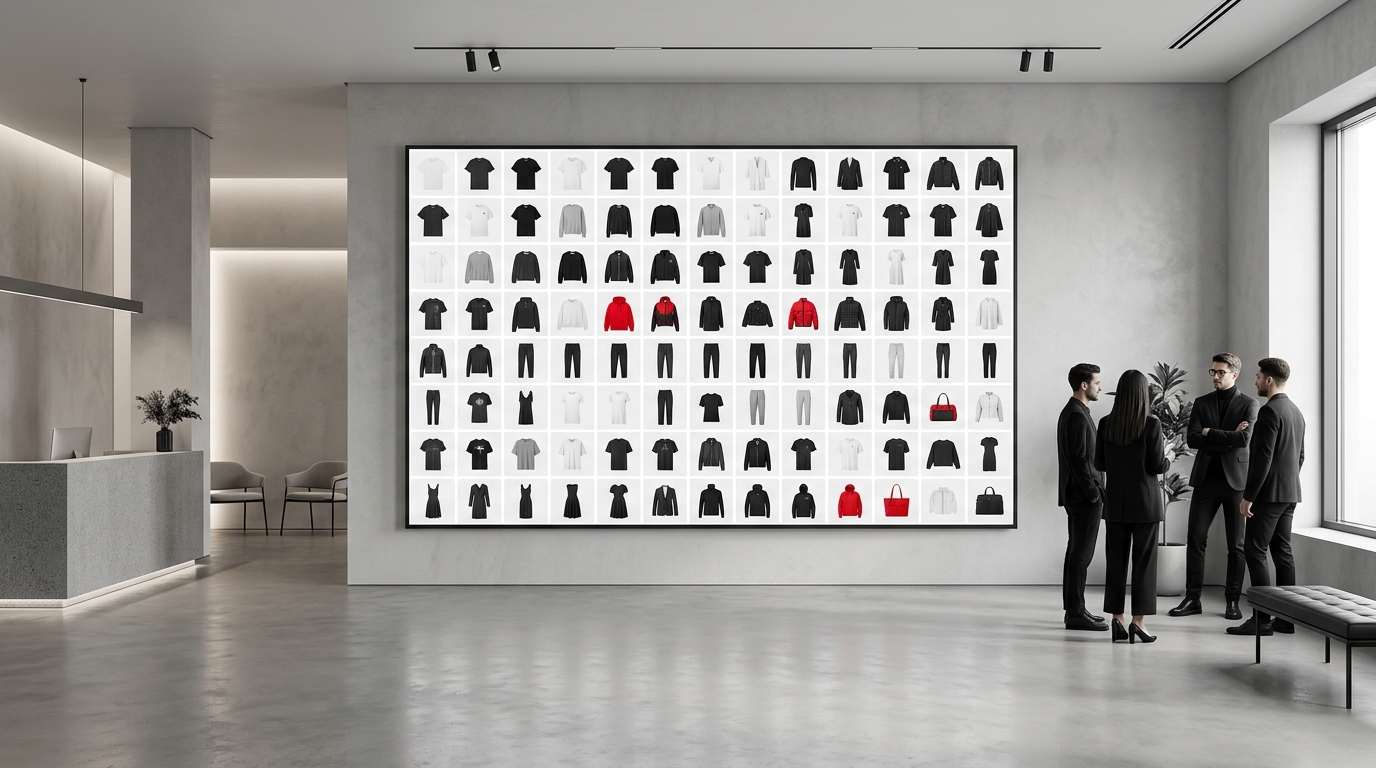
Monday morning, new drop arriving Thursday, and someone on your team is still in Photoshop dragging photo after photo to build the product grid. Sound familiar? For most clothing brands and online fashion stores, organizing and visually presenting your catalog is still one of the most time-consuming tasks — and patience-draining. Meanwhile, your Instagram feed waits, your collection lookbook isn't ready, and the carousel for the launch hasn't even started.
The good news: it doesn't have to be this way. Organizing your store's products quickly is possible, and we'll show you exactly how.
Why does building a product grid still consume so much time?
The problem isn't lack of effort — it's lack of the right tool. Most fashion teams still resort to one of these paths:
- Photoshop or Illustrator: too powerful for a simple task. Each position adjustment, each photo swap, each export becomes a project.
- Spreadsheets and shared folders: great for inventory, terrible for visualizing product layout.
- Generic design tools: require templates from scratch, learning curve, and often paid subscriptions.
The result? A task that should take 20 minutes turns into half a day. And when the catalog needs updating — a new piece comes in, another goes out — the process starts all over again.
What a fashion brand really needs when organizing products
Before talking about solutions, it's worth naming what really matters in a fashion team's daily work:
- Speed: drops and collections have deadlines. The product grid needs to be ready before, not after.
- Visual cohesion: the product layout needs to reflect your brand identity — no mess, no misalignment.
- Format flexibility: Instagram feed, 9:16 Stories, PDF lookbook, email carousel — each channel requires different output.
- High-resolution export: blurry or pixelated photos kill perceived product value.
- Independence: don't rely on a designer for every small update.
When any of these points fails, your catalog delays, your team gets frustrated, and sales lose momentum.
How Grider solves this — step by step
The Grider was built exactly for this problem: build, organize, and export fashion product grids and catalogs in minutes, right in your browser, without installing anything, creating an account, or watermarks.
See how it works in practice:
- Open the editor and choose your grid template. Grider offers ready-made layouts for Instagram feed (square), Stories (9:16), lookbook, and catalog. You start with structure, not a blank canvas.
- Upload your product photos. Drag PNGs or JPGs straight into the editor — photos with removed backgrounds, flatlays, model wearing the piece, mockups. Everything works.
- Drag to reorder. Want to test a different order before publishing? Just drag. Swapping pieces until the product layout makes visual sense takes seconds.
- Adjust and align. Uniform spacing, automatic alignment, consistent proportions. The grid stays cohesive without manual effort.
- Export in high resolution. When ready, download the file in high quality — ready to post, print, or send to your sales team.
No 40-minute tutorial. No signing up. The shortcut your team needed exists — and it's free.
Cases where Grider makes a real difference
Drop launch
Got 12 new pieces arriving and need an organized grid to post on Thursday? Upload the photos, choose the template, drag until it's in the right order, and export. Instead of half a day, you're done in an hour — or less.
Collection lookbook
Building a visually cohesive lookbook to send to buyers or publish on your website is one of the most time-consuming tasks for small teams. With Grider, you build your collection's product layout, test different photo sequences, and export in the right format for print or digital.
Instagram carousel
A well-built carousel generates more saves and engagement. With Grider's editor, you organize each slide with visual consistency — same proportions, same spacing — without relying on a designer for every post.
Catalog updates
A piece goes out of stock. A new color comes in. With traditional tools, that means opening the original file, finding the right layer, replacing, realigning, exporting again. With Grider, it's drag and export.
Organizing store products quickly isn't a luxury — it's competitive advantage
Brands that can react fast — post the drop grid on the right day, update the catalog without stalling the team, launch the lookbook before competitors — sell more. Not because they have bigger teams, but because they have faster processes.
Every hour your team spends dragging photos in Photoshop is an hour they could spend on customer service, product, or strategy. The right tool isn't a detail: it's part of your business process.
Grider doesn't replace an art director. It eliminates the repetitive operational work that eats up the time of people who could be doing more important things.
Ready to build your next grid in minutes?
Stop wasting hours organizing products manually. Open Grider's editor now — no signup, no credit card, no watermarks. Upload your collection photos, choose the layout, drag to reorder, and export in high resolution. Your next product grid could be ready before the end of the day.